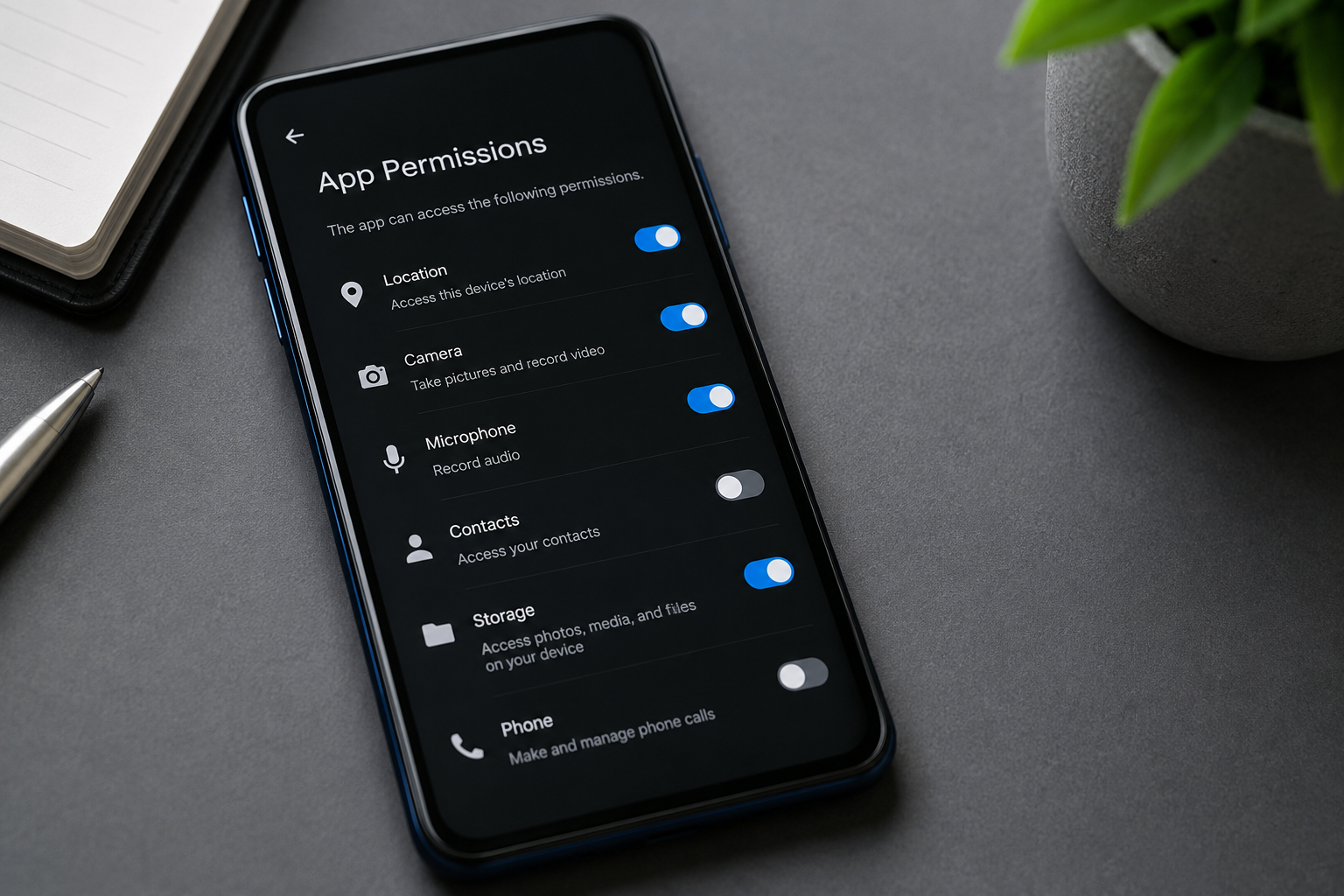
What Apps Ask For
Permission prompts show up fast. Camera access before you open the editor. Location access before you see a map. Microphone access before you record anything. A 2024 analysis of Android apps found many popular downloads request between 8 and 20 permissions during setup.
Some requests make sense. A navigation app without location data breaks instantly. Others feel looser. A photo filter app asking for contacts sits in a different category entirely.
Developers often bundle requests early. One tap, many doors open. It feels efficient.
It is not neutral.
Skip permission screens. Most people do. That habit shapes everything that follows.
What Goes Wrong
Users assume permissions are temporary. That assumption fails more often than it holds. Once access is granted, apps can collect data in the background until revoked manually.
Contacts get synced. Location pings get logged every few minutes. Microphone access can activate during “features” that run quietly in the background.
In 2023, Meta was fined €1.2 billion under GDPR rules for cross-border data handling practices tied to user information flows. The details were complex, but the core issue was simple: data collected for one purpose was reused elsewhere.
That pattern repeats across platforms.
Apple and Google both tightened permission dashboards in recent iOS and Android updates. Still, most users never open them again after installation. Settings exist. They sit unused.
Trust replaces verification. That trade rarely pays off cleanly.
Where Data Goes
Data rarely stays inside one app. Advertising networks, analytics providers, and third-party SDKs often sit inside mobile apps like hidden infrastructure layers.
Meta Pixel, Google Firebase, and Amazon Ads tools appear in thousands of apps across both major app stores. They track behavior, device signals, and engagement patterns.
Turn off tracking and some apps still function. Others degrade quietly.
That trade is invisible.
Location data, for example, can be sold in aggregated form through data brokers. A single signal is meaningless. Thousands of signals over time build patterns that can identify home, work, and travel routines.
One permission becomes many outputs.
It stops feeling like permission at all.
How To Reduce Exposure
Audit permissions monthly
Open settings once a month and scan installed apps. On iOS, go to Privacy & Security. On Android, use Permission Manager.
Remove anything unused. A banking app does not need microphone access. A puzzle game does not need contacts.
Small cleanup reduces long-term data leakage.
Disable background access
Background refresh keeps apps active even when closed. That includes syncing, tracking, and periodic data updates.
Turn it off for apps that do not need live updates. Social apps often continue working fine without constant refresh cycles.
Battery improves slightly too.
Limit location precision
Modern systems allow approximate location instead of exact GPS coordinates. Use it.
Google Maps, Uber, and delivery apps still function with reduced precision in most regions. Exact tracking is rarely required outside navigation mode.
Location drift reduces exposure radius.
Use web versions
Many services push users toward apps because apps request deeper system access. The web version often asks for less.
Instagram, X, and LinkedIn all function in browsers with limited permissions. No microphone prompts. No background scanning.
It feels slower. It is cleaner.
Check ad tracking settings
Android and iOS both include ad personalization controls. Turning them off reduces cross-app profiling signals.
Google uses Advertising ID resets. Apple uses App Tracking Transparency prompts. Both limit but do not fully remove tracking.
Control narrows the funnel.
Review app store ratings carefully
Low-rated apps often show patterns of excessive permission requests. Reviews sometimes mention battery drain or strange background behavior.
Check one-star reviews specifically. They reveal permission abuse faster than marketing descriptions ever will.
Signals hide in complaints.
Revoke unused apps
Unused apps still hold permissions. Some continue sending telemetry data in the background until deleted or restricted.
If you have not opened an app in 30 days, remove it or strip its permissions first.
Digital clutter stays active.
Permission Tradeoffs
| Permission | Used For | Risk | Control |
|---|---|---|---|
| Location | Maps, Delivery | Tracking | Approx mode |
| Contacts | Social Apps | Data sharing | Deny access |
| Microphone | Voice Features | Background capture | Ask every time |
| Photos | Editing Apps | Cloud upload | Selected access |
Common Mistakes
Most users approve permissions during setup without context. That first moment sets everything else in motion.
Another mistake is granting full access for convenience. One photo upload does not require permanent gallery access. One voice message does not require constant microphone readiness.
People also ignore permission drift. Apps update silently and sometimes request new access after installation.
Check again later.
Relying on default settings creates exposure gaps. Manufacturers design systems for usability first, not minimal data flow. That tension shows up in every permission screen.
Finally, uninstalling without revoking permissions leaves traces in connected services. Accounts stay linked unless manually removed.
FAQ
Do apps keep tracking after permissions are removed?
They should stop collecting new data tied to that permission. Some retained data may still exist on servers depending on past usage and policy terms.
Which permissions are most sensitive?
Location, microphone, contacts, and camera access carry the highest exposure because they map directly to behavior and identity signals.
Can apps access my microphone without permission?
On modern iOS and Android versions, background microphone access requires explicit permission. Indicators appear when the mic is active, though edge cases exist in older systems.
Is Apple safer than Android for permissions?
Both platforms now enforce strict controls. Apple tends to surface prompts more aggressively, while Android offers deeper customization. Neither system eliminates tracking completely.
Should I deny all permissions?
No. Some apps break without core permissions. The goal is matching access to function rather than blanket denial.
Author's Insight
Most permission systems look like control panels, but they behave more like negotiations. You trade access for convenience without seeing the full exchange rate.
After reviewing dozens of apps, one pattern stands out. The simplest tools often request the least data. The more “smart” a feature looks, the more it tends to ask for in return.
That pattern stays consistent across platforms...
Summary
App permissions shape how much of your phone’s activity leaves your device. Location, contacts, microphone, and photos create the highest exposure when left unchecked. Regular audits, reduced background access, and careful installation habits lower unnecessary data flow.
Open your settings today. Remove what no longer fits. Keep only what still earns its place.