What A VPN Covers
VPN ads love dramatic language. One tap and suddenly you are “anonymous,” “invisible,” and protected from everything short of a satellite strike. Real life works differently.
A VPN mainly hides your IP address and encrypts traffic moving between your device and the VPN server. Your internet provider sees that you connected to a VPN, but not the exact sites you visit inside the encrypted tunnel. Someone sitting on the same airport Wi-Fi network cannot easily inspect your traffic either.
That part matters a lot.
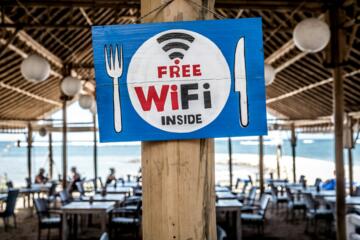
Without a VPN, public Wi-Fi leaves people exposed in surprisingly ordinary places. Hotel networks. Coffee shops. Airports with names ending in “FreeGuest.” A VPN creates a shield around the connection itself, which reduces the risk of session hijacking, packet sniffing, and some tracking tied directly to your home IP.
Streaming platforms also see the VPN server address instead of your actual location. That is why people use services like NordVPN, Proton VPN, Surfshark, and Mullvad to access region-locked libraries or avoid local censorship.
Still, the tunnel only hides part of the picture...
What Still Shows Through
A VPN does not erase your identity from the internet. The moment you log into Google, Amazon, TikTok, or Facebook, those platforms know who you are regardless of which server you routed through.
Cookies remain one of the biggest blind spots. Websites track browser behavior across sessions using stored identifiers, fingerprinting scripts, and login data. A VPN changes your network path. It does not reset your digital personality.
That catches people off guard.
Browser fingerprinting goes even further. Websites can identify devices through screen size, fonts, browser version, time zone, hardware acceleration settings, installed extensions, and dozens of smaller signals combined together. Researchers at the Electronic Frontier Foundation showed years ago how surprisingly unique most browsers already are.
Your VPN also cannot hide activity from the VPN company itself. Traffic still passes through somebody’s servers. Some providers keep minimal logs. Others claim zero logs while quietly collecting timestamps, bandwidth usage, or device identifiers. In 2021, a VPN service called UFO VPN exposed millions of user records despite marketing itself as private.
Read policies carefully. Marketing pages and actual infrastructure rarely sound the same once lawyers get involved.
Where VPNs Help Most
Public Wi-Fi protection
This remains the strongest everyday use case. Open Wi-Fi networks in hotels, airports, and cafes attract attackers because many users still connect automatically without checking security settings.
A VPN encrypts outgoing traffic before it leaves your device. That means someone on the same network cannot casually inspect login sessions or intercept unencrypted requests. The protection matters less on modern HTTPS websites than it did 10 years ago, but risks still exist through fake hotspots and poorly configured networks.
Use the VPN before logging in anywhere.
Hiding your home IP
Your IP address reveals rough geographic location and internet provider details. Advertisers, websites, gaming servers, and trackers use that information constantly.
VPN servers replace your home IP with another one. That makes targeted tracking harder and reduces direct exposure during torrenting, gaming, or browsing forums tied to sensitive topics.
It also cuts some harassment risks. Streamers and online creators sometimes use VPNs to reduce doxxing threats tied to exposed residential IP addresses.
Streaming region changes
People often buy VPNs for Netflix libraries rather than privacy. Fair enough. Streaming catalogs vary heavily between countries because of licensing agreements.
Services like ExpressVPN and Surfshark rotate server pools frequently to avoid streaming bans. Some work better than others depending on the month. Netflix, Disney+, BBC iPlayer, and Hulu actively block known VPN endpoints.
The cat-and-mouse game never stops.
Travel and censorship
VPNs become far more serious inside countries with internet restrictions. Journalists, activists, researchers, and travelers use them to bypass blocked services and reduce surveillance exposure.
That said, not every VPN survives aggressive censorship systems. China’s Great Firewall blocks many standard VPN protocols. Some providers use obfuscated servers to disguise encrypted traffic as normal HTTPS activity.
Performance drops happen often. Stability too.
Safer torrenting
Peer-to-peer traffic exposes user IP addresses publicly inside torrent swarms. A VPN masks that exposure and reduces the chances of copyright monitoring tied directly to your residential connection.
Not all VPNs permit torrenting, though. Some block P2P traffic entirely. Others route it through specialized servers optimized for heavier bandwidth use.
Mullvad gained a loyal following partly because of its minimal account setup. No email required. Just a random account number and payment.
Blocking ISP throttling
Internet providers sometimes slow certain categories of traffic during peak hours. Streaming and gaming services tend to get hit hardest.
A VPN can obscure the exact type of traffic moving through the connection, making selective throttling harder. Results vary wildly depending on the provider and local infrastructure.
Sometimes speeds improve. Sometimes they collapse.
Remote work security
Companies rely on VPNs constantly for internal systems. Employees connect through encrypted tunnels before accessing private dashboards, file servers, or customer databases.
This setup became far more common after 2020 as remote work expanded globally. Cisco, Palo Alto Networks, and Cloudflare all built large enterprise security products around encrypted remote access.
Corporate VPNs also create monitoring visibility for employers. Many workers forget that part.
The Privacy Gaps
The biggest misunderstanding around VPNs comes from the word “private.” People hear it and imagine invisibility.
In reality, a VPN shifts trust from one place to another. Without a VPN, your internet provider sees most browsing activity. With a VPN, the VPN company sits in that position instead.
That tradeoff changes everything.
Free VPN services create even more concerns because infrastructure costs real money. If a company runs thousands of servers worldwide while charging nothing, revenue has to come from somewhere. Advertising partnerships, analytics collection, and data monetization often fill the gap.
Hola VPN became infamous after turning users into exit nodes through a peer-to-peer system that outsiders could route traffic through. Some free mobile VPN apps have also been linked to questionable ownership structures tied to data harvesting operations.
Cheap privacy can get expensive fast.
DNS leaks create another weak spot. Even with a VPN active, some systems accidentally route domain lookup requests outside the encrypted tunnel. That exposes browsing destinations to internet providers despite the VPN connection appearing active.
Good VPN apps now include leak protection, kill switches, and WireGuard support. Users still need to enable the settings sometimes...
How To Use One Properly
| Task | Action | Benefit | Risk |
|---|---|---|---|
| WiFi | VPN on | Encrypts traffic | Slow speeds |
| Streaming | Switch region | More libraries | Server blocks |
| Torrenting | P2P server | IP masking | Leak exposure |
| Browsing | Clear cookies | Less tracking | Fingerprinting |
Common User Mistakes
The biggest mistake is assuming a VPN replaces basic security habits. It does not.
People still reuse weak passwords across accounts while believing the VPN somehow compensates for it. Others connect through a VPN but leave browsers full of years-old cookies, extensions, and logged-in sessions that track everything anyway.
Stop trusting browser defaults.
Another problem comes from free VPN apps with vague ownership structures. Some collect browsing data aggressively. Others inject advertising scripts or route traffic through questionable infrastructure.
Users also forget to test leak protection. A VPN icon in the corner of the screen means very little if DNS requests still escape outside the tunnel. Sites like DNSLeakTest and BrowserLeaks help identify problems in under 2 minutes.
Location switching creates another issue. Logging into a banking app from Germany at noon and Singapore at 12:15 p.m. sometimes triggers fraud systems immediately. Financial institutions track impossible travel patterns aggressively.
Too many server jumps raise flags.
FAQ
Can a VPN make me anonymous online?
No. A VPN hides your IP address and encrypts traffic between your device and the VPN server, but websites, advertisers, browsers, and logged-in accounts can still identify you through other methods.
Does a VPN hide activity from my internet provider?
Your provider usually cannot see the exact websites visited inside the encrypted tunnel, but it can still detect that you are using a VPN and estimate connection volume.
Are free VPNs safe?
Some are decent, many are questionable. Free VPN services often depend on advertising, analytics collection, or weaker infrastructure. Paid providers generally maintain better transparency and server quality.
Can websites still track me with a VPN?
Yes. Cookies, browser fingerprinting, account logins, and tracking scripts still operate even while the VPN hides your network location.
Will a VPN slow internet speeds?
Usually yes to some degree. Traffic must travel through encrypted servers before reaching websites. Faster protocols like WireGuard reduce the slowdown, though distance from the VPN server still matters.
Author's Insight
I think VPN marketing created years of confusion by selling privacy as a binary switch. Protected or exposed. Hidden or visible. Real internet privacy sits in the middle somewhere.
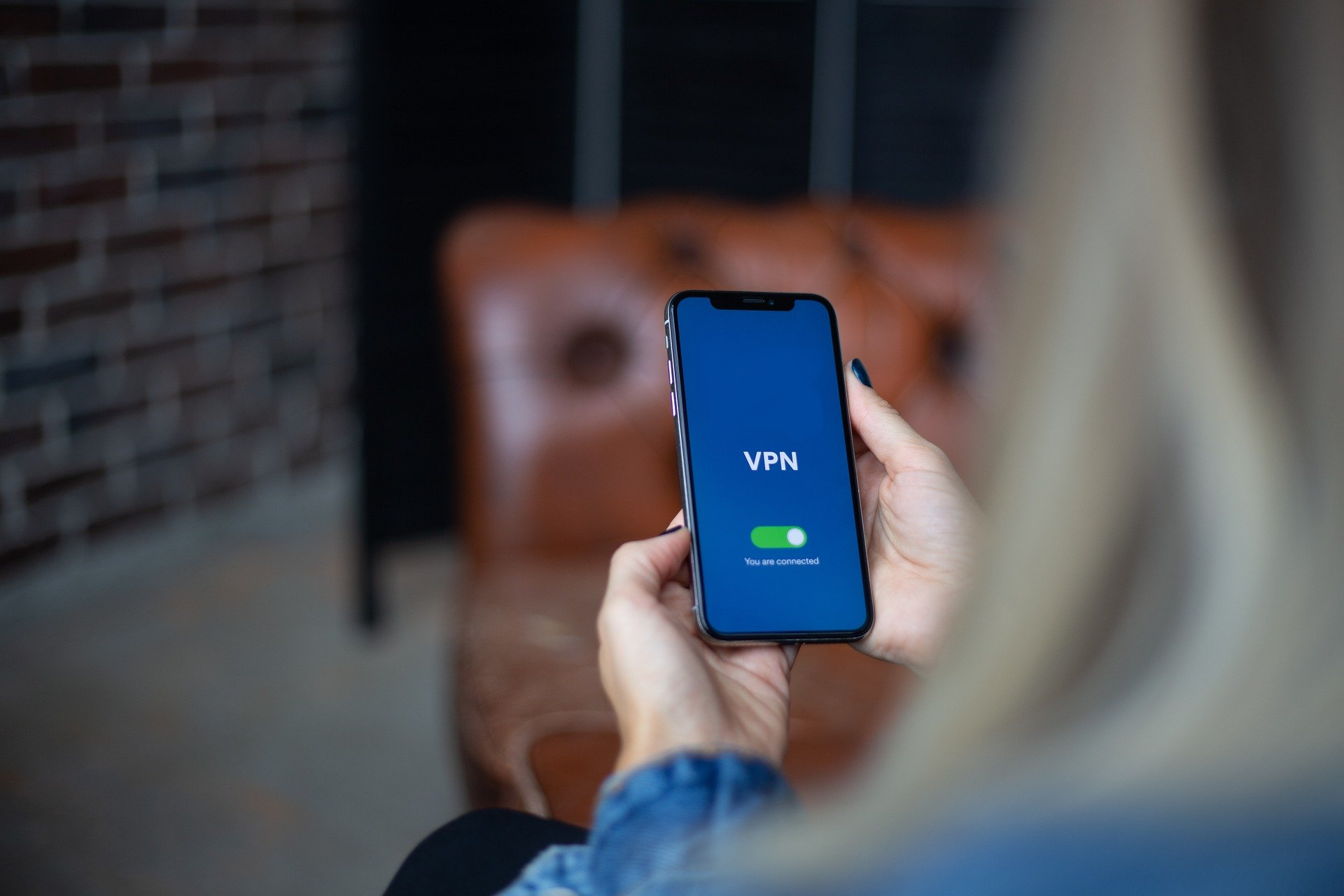
I use VPNs regularly on public Wi-Fi and during travel, but I do not confuse that with anonymity. Browser settings, account logins, cookie cleanup, and basic security habits still matter more than the glowing “connected” icon in the corner of the screen.
Summary
A VPN hides your IP address, encrypts internet traffic, and reduces exposure on unsafe networks. It helps with streaming regions, torrent privacy, censorship bypassing, and public Wi-Fi protection. But it does not erase cookies, stop browser fingerprinting, or hide activity from websites where you are already logged in.
Use a VPN as one layer, not the whole strategy. The internet remembers more than people think.