Why Breaches Keep Spreading
Email addresses leak constantly because companies store staggering amounts of customer data in places that are less protected than people assume. One hacked database from a food delivery app or fitness tracker can expose millions of logins overnight.
The Identity Theft Resource Center tracked more than 3,200 publicly reported data compromises in the United States during 2023. That number broke records. Then 2024 kept rolling.
Most people never notice.
A breach does not always mean hackers stole credit cards. Sometimes they grab usernames, password hashes, phone numbers, birthdays, addresses, or partial payment details. Even an old password from 2018 still has value because many people recycle logins across multiple sites.
That is why stolen email databases spread through criminal forums so quickly. Attackers test the same credentials against banks, PayPal, Netflix, Gmail, and shopping accounts. One reused password can open five doors at once...
How Damage Usually Starts
People imagine hackers breaking through firewalls like movie characters hammering keyboards in dark rooms. Most account takeovers are much duller.
A breach leaks your email and password combination. Automated software tries those credentials on dozens of popular sites. Maybe the old Adobe password also works on Dropbox. Maybe your streaming login matches your bank account. Suddenly someone orders electronics in another state at 2:14 a.m.
Reuse creates the real risk.
Phishing attacks also get sharper after breaches. If criminals know your real email, city, and the apps you use, fake security warnings become more convincing. Someone receives an “urgent password reset” from a service they actually recognize and clicks before thinking twice.
Then there are credential dumps. Massive stolen datasets sometimes circulate for years. A password exposed in 2020 may still appear inside attack tools today because people never changed it.
Old accounts haunt people.
Ways To Check Exposure
Search breach databases first
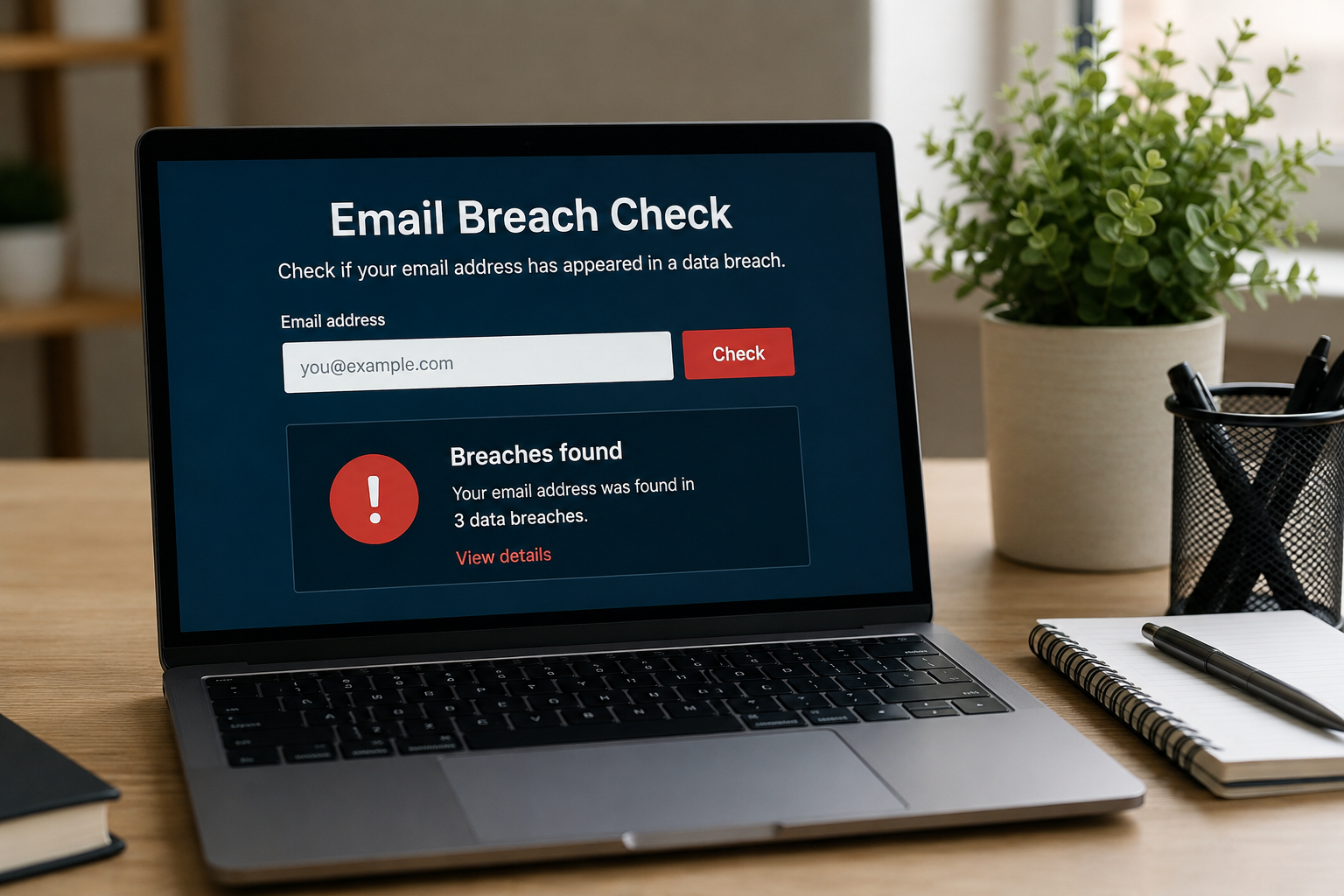
The fastest starting point is Have I Been Pwned, created by security researcher Troy Hunt. Users type an email address into the search tool and see whether it appeared in known breaches.
The database includes incidents tied to LinkedIn, Dropbox, Canva, Adobe, MyFitnessPal, and thousands more. Results often show the type of leaked data, including passwords, phone numbers, or IP addresses.
One email can appear 12 times. Sometimes more.
Check password managers
Modern password managers quietly scan for compromised credentials now. 1Password, Bitwarden, Dashlane, and NordPass all include breach monitoring tools that flag reused or exposed passwords.
This matters because the issue is rarely one account alone. If an old password appears in a leak and still exists elsewhere, the entire chain becomes vulnerable.
Skip handwritten password notebooks. They solve one problem and create three more.
Review Google security alerts
Google began warning users when saved passwords appear in known breaches. Chrome can run password checks automatically through Google Password Manager.
Apple does something similar through iCloud Keychain. iPhones now warn users when passwords show up in leaked datasets or get reused across multiple logins.
The alerts look minor. They are not.
Search old inbox accounts
Many people forget about ancient Yahoo, AOL, Hotmail, or college email accounts. Attackers love those because they often remain tied to password recovery systems.
An abandoned inbox from 2011 may still connect to banking alerts or social media resets. Search every address you have used during the last 15 years, not just your current Gmail account.
That part surprises people.
Watch for breach notices
Companies increasingly send disclosure emails after security incidents. Some arrive quickly. Others take months because firms spend weeks figuring out what actually happened.
Read those notices carefully instead of deleting them in annoyance. They often explain which data types were exposed and whether passwords, Social Security numbers, or payment information were involved.
Some notices bury the details halfway down the page in language written by lawyers trying not to panic customers...
Monitor financial accounts weekly
A breached email matters more when linked to payment accounts. Review bank statements and credit card activity at least once a week.
Fraudsters often test stolen cards with tiny purchases first. A $1.19 charge from an unfamiliar vendor can show up before larger withdrawals arrive later.
Small transactions matter.
Freeze your credit if needed
If a breach exposed Social Security numbers or government identification, place a credit freeze with Equifax, Experian, and TransUnion. A freeze blocks new credit applications without your approval.
The process became free nationwide after federal law changes. Most freezes take under 10 minutes online.
Do not wait for fraud to appear before acting.
Change reused passwords fast
Start with banking, primary email accounts, and cloud storage. Those accounts create the biggest chain reactions if compromised.
Use unique passwords with at least 14 characters. Password managers generate random strings automatically, which removes the temptation to reuse “Summer2022!” everywhere.
Weak passwords spread damage.
What Real Cases Show
The 2013 Yahoo breach exposed all 3 billion user accounts, making it one of the largest data compromises ever disclosed. Years later, security researchers still found stolen Yahoo credentials circulating inside underground trading forums.
Another example came from the 2021 Facebook data leak affecting more than 530 million users. Phone numbers, locations, and email details appeared online for free. Criminals used that information for phishing campaigns, SIM-swapping attempts, and identity scams.
The fallout lasted years.
Smaller breaches create damage too. In 2024, multiple healthcare and payroll service attacks exposed employee data tied to insurance records, tax forms, and birth dates. Victims often learned about the leaks months after attackers already had the information.
That delay changes everything because stolen credentials move fast once posted online.
Security Habits That Help
| Action | Time | RiskCut | Tool |
|---|---|---|---|
| PasswordCheck | 5min | High | HIBP |
| Enable2FA | 8min | High | Authy |
| CreditFreeze | 10min | Medium | Experian |
| PasswordManager | 20min | High | Bitwarden |
Common Mistakes People Make
The biggest mistake is assuming old accounts do not matter anymore. They do. An abandoned Pinterest login tied to a reused password can still become an entry point into active accounts.
Another problem comes from weak two-factor authentication habits. SMS codes beat nothing, but app-based authentication through Google Authenticator, Authy, or 1Password holds up better against SIM-swapping attacks.
People also ignore breach notifications because the company offers “free credit monitoring” and the message feels routine. That reaction misses the point. The free monitoring matters less than changing exposed passwords immediately.
Do not postpone updates.
Some users panic and change every password in one night using variations of the same pattern. Password123 becomes Password456, then Password789. Attack software catches those patterns instantly.
Attackers adapt fast too.
FAQ
How can I check if my email was leaked?
Use breach monitoring services like Have I Been Pwned or password manager security dashboards. They compare your email against known stolen datasets from public breaches.
What should I do first after finding a breached account?
Change the password immediately and enable two-factor authentication. Then check whether the same password appears on other accounts and replace those logins too.
Can hackers access my bank account through a leaked email?
Not automatically. The risk increases if you reused passwords or if attackers gain access to your email inbox, which often controls password resets for financial services.
Are free breach checkers safe to use?
Trusted services like Have I Been Pwned are widely respected within the cybersecurity community. Avoid random “breach scan” websites that ask for passwords or excessive personal information.
How often should I check for breaches?
Run checks every few months and whenever you hear about a major company hack. Many password managers also monitor exposure continuously in the background.
Author's Insight
I have noticed that people usually worry about breaches only after an account gets hijacked. By then the cleanup becomes exhausting. Password resets, fraud calls, locked accounts, strange purchases at midnight...
The people who avoid the worst outcomes tend to do small things consistently. They use password managers. They check alerts. They stop reusing the same login across 14 sites. None of that feels dramatic until the day it saves an account that actually matters.
Summary
Email breaches became part of ordinary internet life, which means passive habits no longer work. Checking exposed accounts, replacing reused passwords, enabling two-factor authentication, and monitoring financial activity reduce the odds of serious damage.
Start with your primary email account tonight. If that inbox falls, everything connected to it becomes easier to reach. That is the part many people realize too late.