The Private Tab Myth
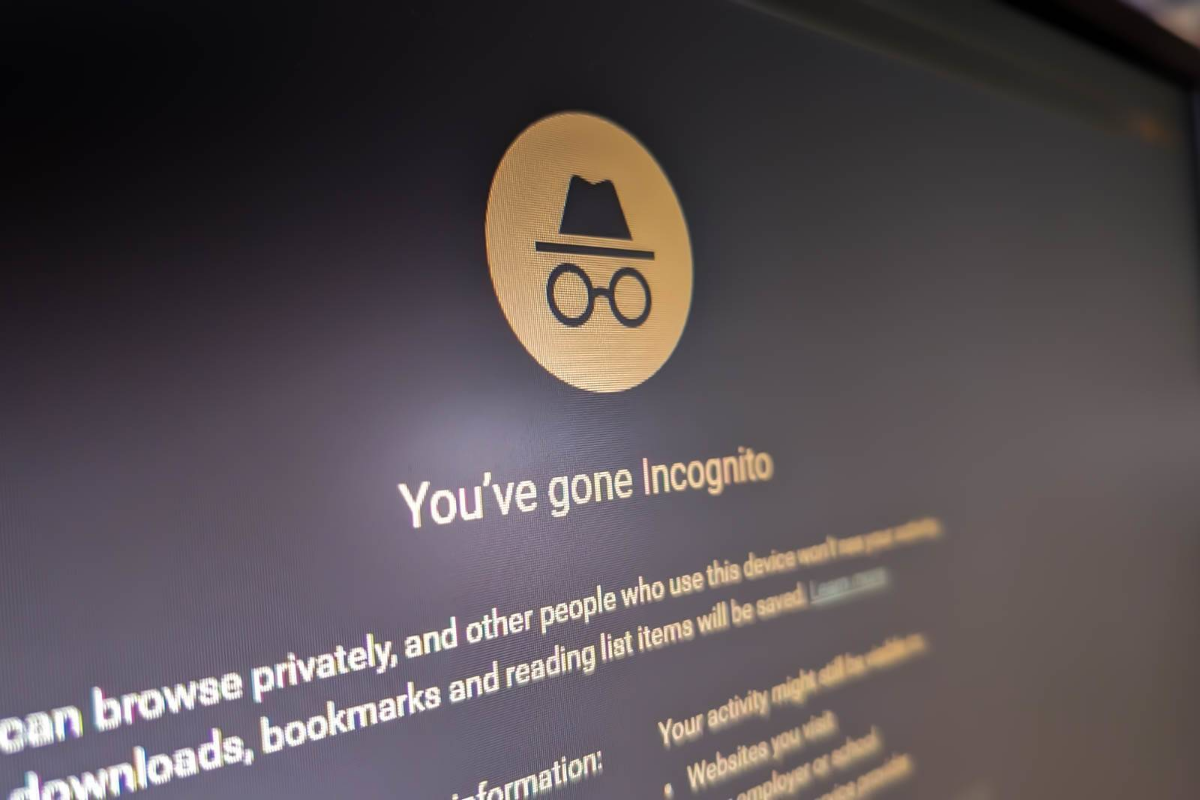
People hear “Incognito Mode” and picture invisibility. Hollywood-level secrecy. Maybe a digital trench coat. The reality is smaller and much less dramatic.
Private browsing mainly stops your own device from saving local traces after the session ends. Chrome does not keep the browsing history. Safari removes temporary session data. Firefox clears cookies tied to that window once you close it.
That is the core feature.
Your internet provider still sees traffic patterns. Your employer can still monitor activity on company Wi-Fi. Websites still collect IP addresses, device fingerprints, and location data. Google itself states that Incognito Mode does not hide activity from websites, schools, or internet service providers.
The confusion partly comes from the branding. “Private browsing” sounds broader than it is. Browser companies never fully corrected that misunderstanding because the feature solves one narrow problem very well: local privacy from other people using the same device.
What It Actually Hides
Incognito Mode does remove several kinds of local evidence. That matters more than critics sometimes admit.
If you share a laptop with roommates, family members, or coworkers, private browsing prevents your session history from appearing in the browser afterward. Searches disappear. Form entries disappear. Session cookies vanish after closing the window.
That helps during travel bookings, surprise gift shopping, second email logins, or temporary account access on borrowed devices. Open a hotel booking site in Incognito Mode, close the tab afterward, and the next person using the computer will not immediately see your destination search sitting in autocomplete.
Small protection still matters.
Private browsing also helps with account separation. A marketer may log into one Gmail account in Chrome and another inside an Incognito window without signing out repeatedly. Developers use it constantly for testing websites without cached files interfering.
Cookies behave differently there too. Since most private sessions start fresh, websites cannot rely on old login states or existing tracking cookies during that session. That does not stop all tracking. It only resets part of the system.
Who Still Sees You
This is where expectations usually collapse.
Your internet service provider can still detect the domains you visit unless encrypted DNS and additional privacy tools sit in the middle. Employers running corporate networks often log browsing traffic for compliance and security reasons. Universities do the same.
Websites also continue collecting data aggressively. They track browser versions, screen resolution, language settings, time zones, mouse behavior, and IP addresses. Researchers from Princeton once found that browser fingerprinting could identify users with startling accuracy even without traditional cookies.
Fingerprinting gets weird fast.
Search engines still connect activity to accounts if you log in during the session. Open YouTube inside an Incognito tab while signed into Google and your viewing behavior may still influence recommendations later. The tab is private from your laptop history, not from Google’s servers.
Then there is the router problem. Home routers often maintain traffic logs. Public Wi-Fi systems may keep connection records for days or weeks. Airports, hotels, and cafes do this quietly because network diagnostics and abuse investigations depend on those logs.
None of this means private browsing is fake. It means the tool has boundaries people rarely read about.
When It Helps Most
Using shared computers
Incognito Mode works best when the threat is another person using the same machine afterward. Libraries, hotels, school labs, and borrowed laptops fit this category.
Open banking sites there without private browsing and traces may remain in saved sessions, cached pages, or autofill forms. A private window reduces that leftover clutter dramatically.
Still log out manually.
Avoiding personalized prices
Travel shoppers often use Incognito Mode while comparing flights and hotels because they fear prices rise after repeated searches. Airlines deny direct manipulation in many cases, but dynamic pricing systems absolutely exist across travel and ecommerce industries.
Private browsing resets some cookies and session history that pricing engines may use. The effect is inconsistent. Sometimes prices change. Sometimes they do not. VPN location changes usually affect prices more than Incognito Mode alone.
Testing websites cleanly
Developers, designers, and SEO teams rely on Incognito windows constantly because cached scripts and stored cookies can distort how pages load.
A clean browser session reveals issues normal users might see. Broken login loops, popup conflicts, geo prompts, expired sessions. Testing without old browser baggage saves hours during debugging.
That workflow is common.
Logging into multiple accounts
Private browsing creates temporary separation between sessions. Someone managing two LinkedIn profiles, multiple Gmail inboxes, or several Shopify stores can avoid repeated logouts.
Chrome, Edge, and Firefox all support this smoothly now. One account stays active in the regular browser window while another operates independently inside Incognito.
Reducing ad carryover
Private sessions wipe many tracking cookies after closing. That can reduce retargeting ads temporarily.
Search for hiking boots normally and ads may follow you across half the internet for 3 weeks. Search inside a private session and fewer cookie-based trackers survive afterward. Device fingerprinting and account logins still weaken that protection, though.
Ads adapt quickly.
Reading around paywalls
Some news sites grant a limited number of free articles before activating soft paywalls. Incognito windows sometimes bypass those limits because the site cannot access prior local cookies.
Publishers caught on years ago. Many now use account systems, IP tracking, or fingerprinting instead. The trick still works occasionally on smaller publications.
Checking search rankings
SEO professionals use private browsing to reduce personalized search bias. Google tailors results based on history, location, and account activity.
An Incognito search gives a cleaner approximation of generic rankings, though location and device signals still influence outcomes. Serious SEO teams pair private browsing with VPNs and rank tracking software for cleaner measurements.
What You Need Instead
People often use Incognito Mode for problems it was never designed to solve.
If your goal is hiding browsing activity from internet providers, governments, or employers, you need stronger tools. A VPN encrypts traffic between your device and the VPN provider. Tor routes traffic through multiple volunteer-run relays to obscure origin points.
Those tools come with tradeoffs. VPNs shift trust toward the VPN company itself. Free VPN services sometimes monetize user traffic in ugly ways. Tor slows browsing noticeably because traffic bounces across multiple encrypted nodes.
Privacy has friction.
Encrypted messaging apps solve a different layer. Password managers solve another. Secure browsers like Brave and hardened Firefox setups reduce tracker exposure further.
Incognito Mode sits at the shallow end of the privacy pool. Useful, quick, limited.
Where Users Get Burned
The biggest mistake is assuming private browsing hides activity from employers. It usually does not.
People also confuse deleted local history with deleted server records. Logging into Facebook during an Incognito session still creates activity records on Meta’s side. Search queries may still connect to accounts if users authenticate during the session.
Another common misunderstanding involves malware. Incognito Mode does not stop spyware, keyloggers, browser extensions, or malicious downloads. If the device itself is compromised, private browsing changes almost nothing.
That surprises many users.
Parents also sometimes overestimate the feature. Private tabs do not bypass parental controls installed at network or operating-system level. Schools and family safety software often monitor traffic outside the browser entirely.
Then there is download history. Browsers may forget visited pages after the session, but downloaded files stay on the machine unless deleted manually. Same for bookmarks created during the session.
Privacy Tools Compared
| Tool | HidesLocal | HidesISP | Speed |
|---|---|---|---|
| Incognito | Yes | No | Fast |
| VPN | Some | Yes | Medium |
| Tor | Yes | Yes | Slow |
| Brave | Some | No | Fast |
FAQ
Does Incognito Mode hide my IP address?
No. Websites, internet providers, and network administrators can still see your IP address during private browsing sessions unless another privacy tool masks it.
Can schools see Incognito browsing?
Usually yes. School networks often monitor traffic through routers, DNS systems, or device management software outside the browser itself.
Does Incognito stop cookies completely?
No. Cookies still work during the session. The browser usually deletes them after the private window closes.
Can my employer track Incognito activity?
Yes in many cases. Corporate devices and company networks often use monitoring tools that operate independently from browser history settings.
Is Incognito safer for banking?
It can reduce leftover local session data on shared devices, which helps. But banking security still depends more on HTTPS encryption, device safety, passwords, and two-factor authentication.
Author's Insight
I think browsers share some blame for the confusion around Incognito Mode. The feature sounds broader than the protection it actually gives. Most people discover the limits only after assuming far more privacy than they ever had.
I still use private browsing constantly. Testing websites, opening temporary logins, checking search results, reading without recommendation pollution. It solves practical annoyances well. I just do not confuse it with anonymity anymore...
Summary
Incognito Mode removes local browsing traces after the session ends, but it does not make users invisible online. Websites, internet providers, employers, and tracking systems can still collect large amounts of information during private sessions.
Use private browsing for shared devices, temporary sessions, cleaner testing, and reduced local history. Use VPNs, Tor, encrypted services, and safer browsing habits if your goal reaches beyond that. The browser window was never a cloak. Just a smaller footprint.